01Enter the mounting face
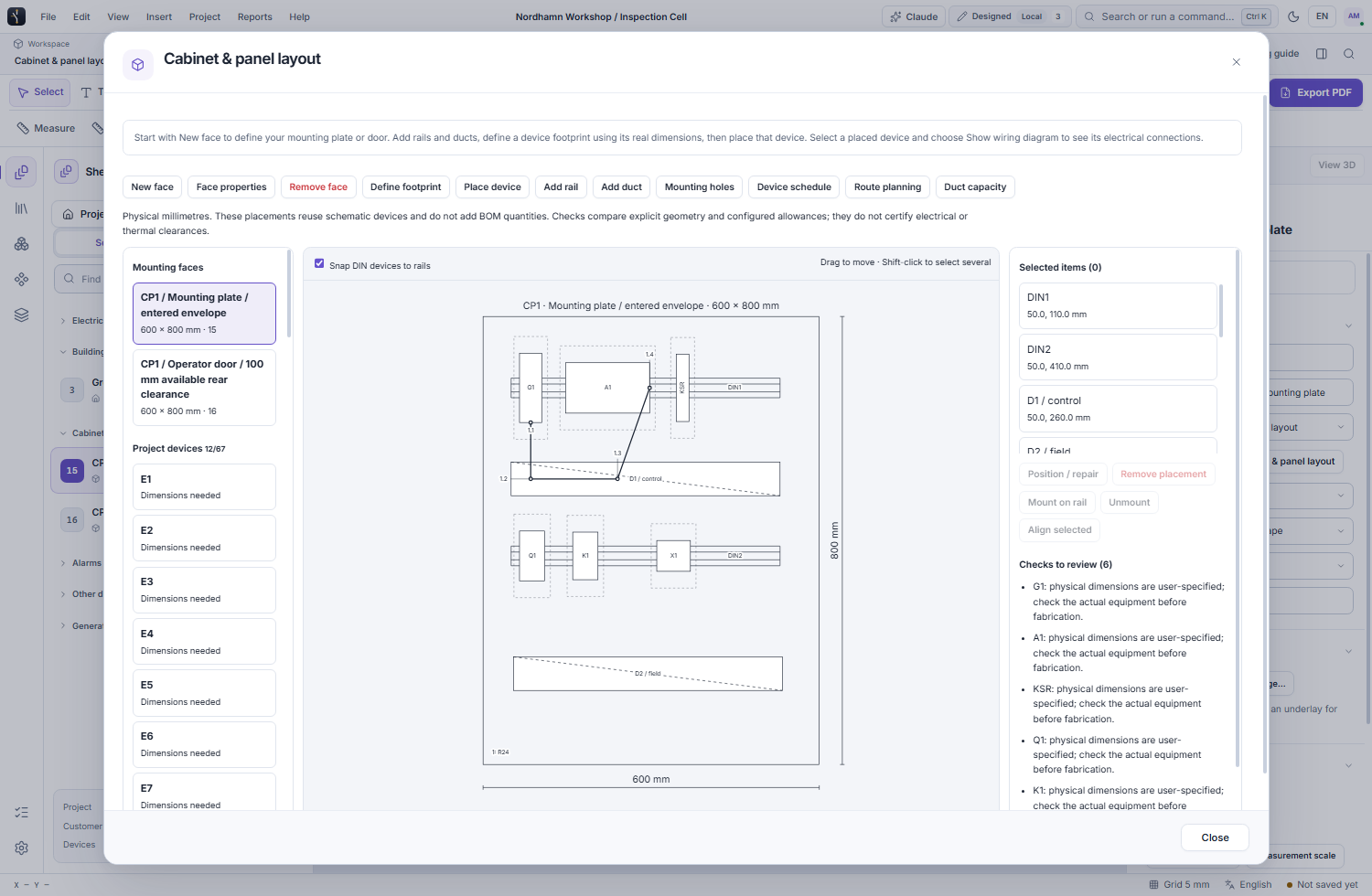
Define a plate, door, side face or enclosure outline with width, height and optional available depth. Set the drawing scale, reserve area and mounting holes. The cabinet starter provides a cover, mounting-plate sheet and door sheet.
02Reuse existing equipment
Define a physical footprint for a project device using actual dimensions and source evidence. Place it on the mounting face without adding another device or increasing its bill-of-materials quantity.
03Arrange rails, ducts and devices
Mount eligible devices on an explicitly defined DIN 35 rail, move mounted equipment with the rail, and align several items or distribute them with a physical gap. Review overlap, entered clearance, face-boundary and known depth checks.
04Open the related wiring
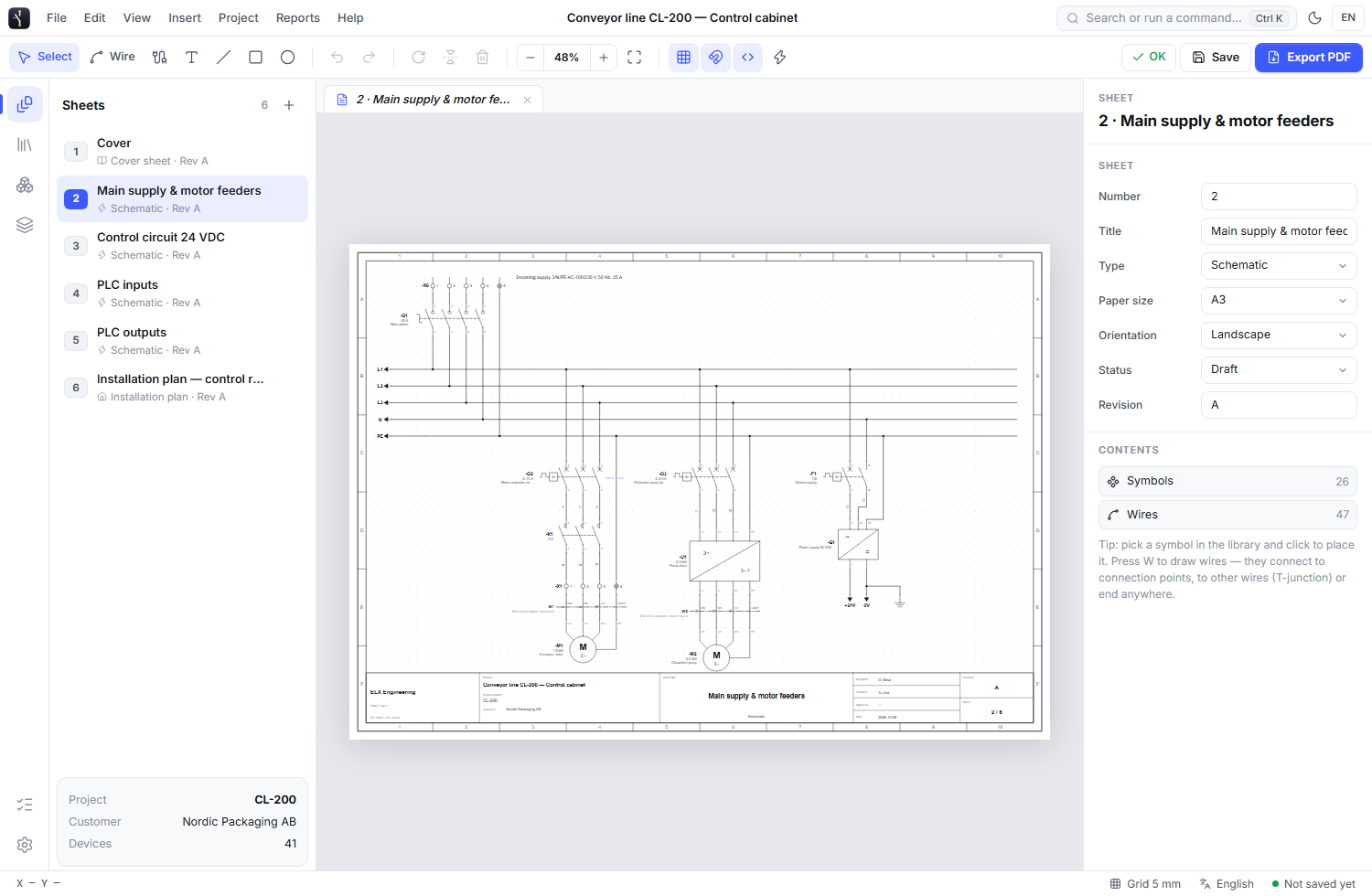
Show wiring diagram finds schematic appearances of the same project device. A single matching sheet opens directly; multiple matches offer a chooser. A matching tag on unrelated equipment is not used as a substitute for shared identity.
05Plan routes and duct capacity
Enter physical endpoints, duct paths, elevations and allowances. Review route lengths and capacity using the entered wire or cable dimensions, inventory completeness and fill or separation criteria. Changed dependencies make earlier route reviews stale.
06Inspect STEP and export mounting data
Attach a STEP model and open its preview only when needed, with expand and detach controls. Record footprint alignment and source dimensions. Export device-placement and mounting-hole schedules alongside the cabinet drawing.