Record checking separately from approval
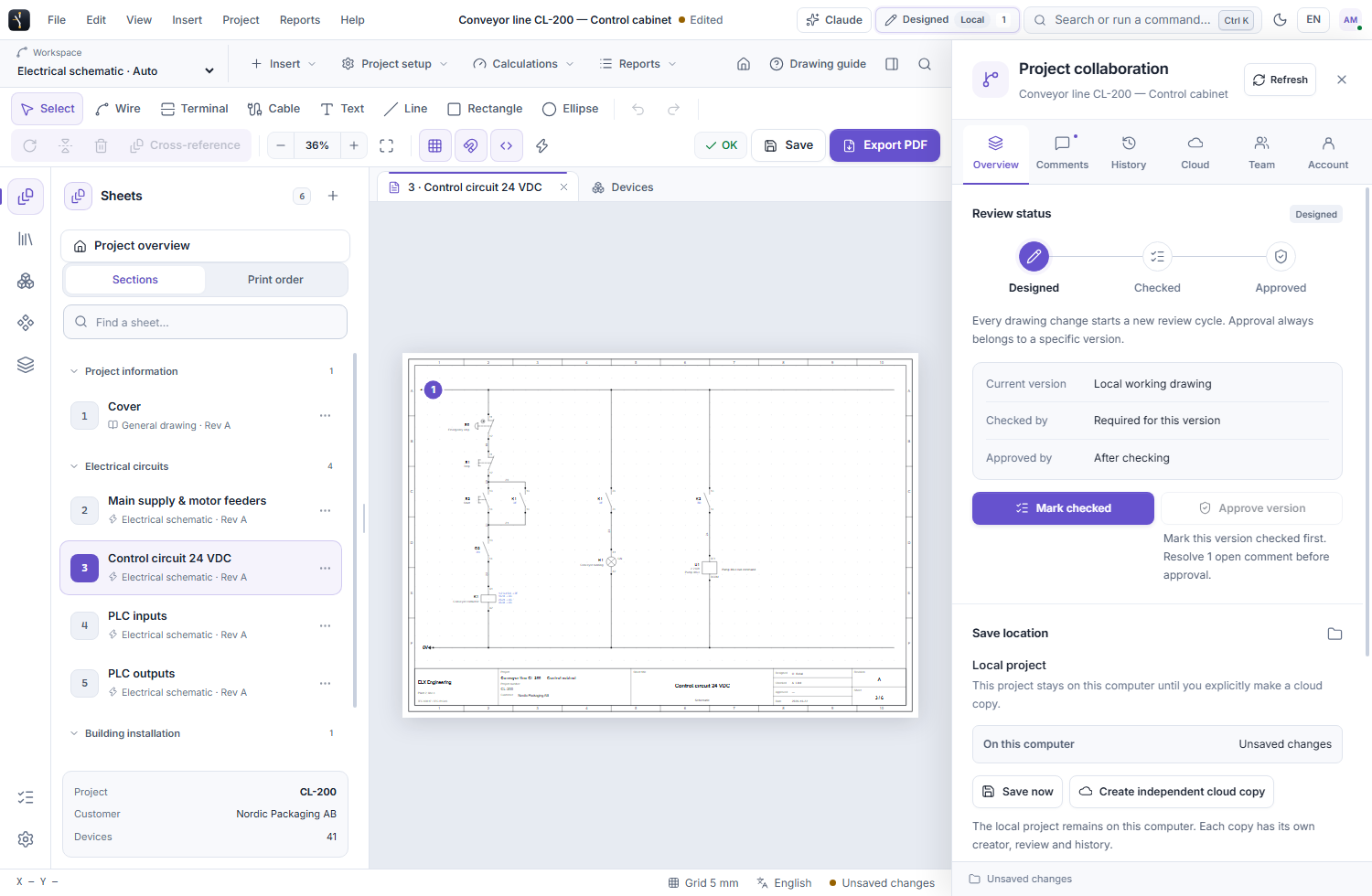
Company administrators grant checking and approval permissions. The review panel separates Designed, Checked and Approved stages and identifies who recorded the decisions for the current saved version.
 ELX Studio
A project progresses through Designed, Checked and Approved. ELX records who checked or approved a saved version, and a later drawing change starts a new review cycle.
All product workflowsThe approval belongs to a specific version, not every future edit.
Save the version to be reviewed, then open the project's review panel with the appropriate company permissions.
Use these capabilities together as the drawing moves from layout to a reviewed project.
Company administrators grant checking and approval permissions. The review panel separates Designed, Checked and Approved stages and identifies who recorded the decisions for the current saved version.
Save a drawing milestone with a note, inspect the version cards in History and restore an earlier version as a new current version when needed. Previous versions remain in history.
The approval action is unavailable while comments remain unresolved. Reviewers can return to the pinned discussion and address it before proceeding.
An authorized approver can lock an approved project to block drawing edits. Unlocking permits changes, which then require a fresh check and approval.
Save the drawing version that should be reviewed.
A permitted checker records the check while the team resolves any open comments.
A permitted approver approves that version and can lock it until further work is authorized.
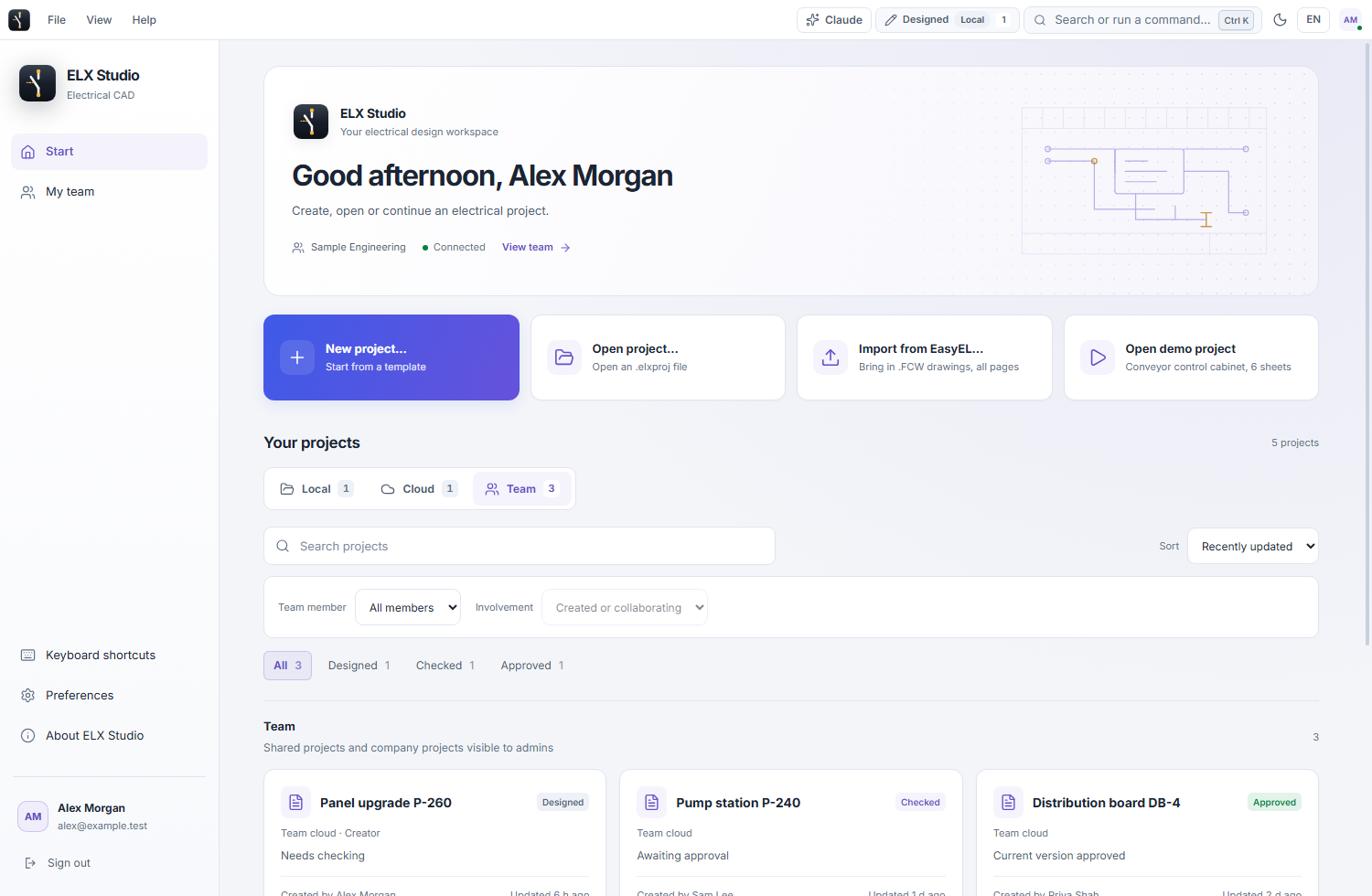
Request trial access and explore these tools in the Windows application, with an English or Swedish interface.